

25.02.2026
When visitors land on your website, they’re usually searching for something specific. If they can’t find it quickly, they leave. It’s that simple.
To improve customer decisions with better website navigation, you need more than attractive design — you need clarity, structure, and strategy.
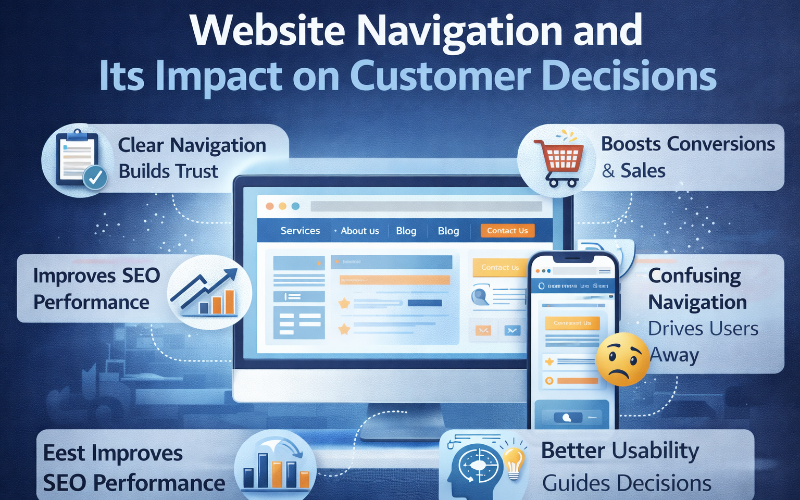
Navigation is the silent salesperson on your website. It guides users, builds trust, and encourages action.
Let’s explore how better website navigation can transform user behavior and increase conversions.
Why Website Navigation Matters More Than You Think
Navigation influences:
- First impressions
- Trust levels
- Bounce rates
- Conversion rates
- SEO rankings
When users feel confident navigating your site, they’re more likely to explore, engage, and convert.
How Better Website Navigation Improves Customer Decisions
1. It Reduces Decision Fatigue
Too many choices overwhelm users. When menus contain 12–15 items, visitors struggle to decide where to click.
Better navigation:
- Limits options
- Organizes categories clearly
- Creates logical paths
Clear structure simplifies decisions.
2. It Builds Trust Instantly
Professional navigation signals credibility.
When users see:
- Clear service pages
- Easy-to-find contact information
- Logical menu labels
They feel reassured. Trust is the foundation of customer decisions.
3. It Guides Users Toward Conversions
Navigation should lead users toward:
- Service pages
- Product categories
- Contact forms
- Pricing pages
A strong navigation system acts like a roadmap, directing visitors to important pages without confusion.
The Psychology Behind Navigation and Decision-Making
Humans prefer simplicity.
When navigation is:
- Clean
- Predictable
- Organized
Users feel comfortable.
When it’s:
- Complex
- Cluttered
- Unclear
They feel stressed and exit.
Better navigation reduces cognitive load, making it easier for customers to move forward confidently.
Navigation and SEO: A Hidden Advantage
To improve customer decisions with better website navigation, you also improve search visibility.
Search engines use navigation to understand:
- Page hierarchy
- Content relationships
- Important pages
- Internal linking structure
Strong navigation helps distribute authority across your website.
Common Navigation Mistakes That Hurt Conversions
- Too many menu items
- Vague labels like “Solutions”
- Hidden pricing information
- No mobile-friendly menu
- Missing search functionality
- Broken links
Each of these increases bounce rate and reduces trust.
Best Practices to Improve Customer Decisions with Better Website Navigation
Keep the Main Menu Short
Limit your primary navigation to 5–7 items.
Use Clear, Descriptive Labels
Instead of:
- Services
Use:
- Web Design Services
- SEO Services
- Digital Marketing
Specific labels improve clarity and user confidence.
Prioritize Important Pages
Place high-conversion pages in visible positions, such as:
- Services
- Pricing
- Contact
Make Navigation Mobile-Friendly
Mobile users expect simplicity. Ensure:
- Tap-friendly menus
- Easy dropdowns
- Fast loading speed
Add Internal Linking
Guide users naturally within your content:
- Link blog posts to service pages
- Connect related articles
- Use contextual links
The Role of Visual Hierarchy in Navigation
Design enhances navigation effectiveness. Use:
- Contrast
- Proper spacing
- Clear fonts
- Highlighted calls-to-action
Visual hierarchy directs attention and improves usability.
How to Audit Your Website Navigation
- Can visitors find pricing in two clicks?
- Is the contact page clearly visible?
- Are service categories descriptive?
- Does mobile navigation work smoothly?
- Is the structure logical and simple?
If the answer is “no” to any of these questions, improvements are needed.
FAQs: Improve Customer Decisions with Better Website Navigation
1. Why does website navigation affect customer decisions?
Because it determines how easily users find information. Clear navigation builds trust and encourages action.
2. How many items should a website menu have?
Ideally between 5 and 7 main items to avoid overwhelming visitors.
3. Does navigation impact SEO rankings?
Yes. Proper structure helps search engines crawl, index, and understand your website.
4. What is the best type of navigation?
The best navigation is simple, clear, and mobile-friendly. Horizontal menus with organized dropdowns are widely effective.
5. How does mobile navigation affect conversions?
Poor mobile navigation increases bounce rates. A clean, fast mobile menu improves engagement and conversions.
6. Should I redesign my website if navigation is poor?
If navigation causes confusion or high bounce rates, a redesign can significantly improve user experience and conversion performance.
Final Thoughts
To improve customer decisions with better website navigation, focus on clarity, simplicity, and strategy.
Your navigation should:
- Guide users
- Build trust
- Reduce friction
- Highlight key pages
- Support SEO
Even small navigation improvements can lead to significant gains in engagement and conversions.