
01.04.2026
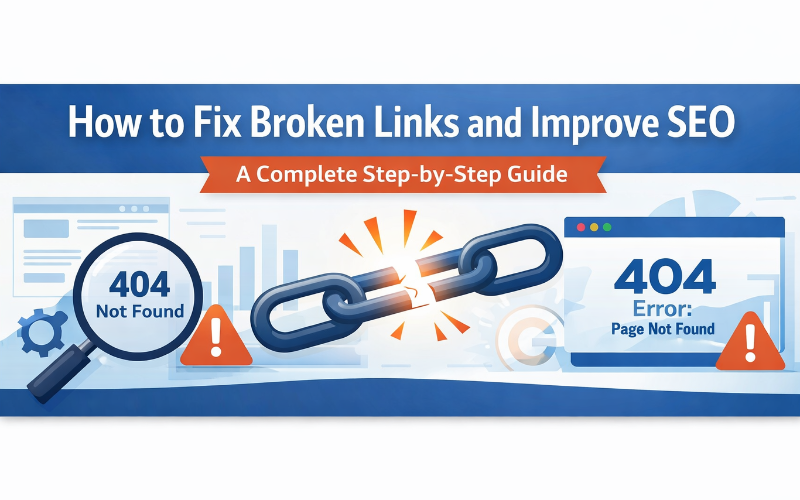
Broken links are one of the most common issues that negatively affect a website’s performance and SEO. When users click on a link and land on a “404 page not found,” it creates frustration and reduces trust.
Search engines also consider broken links as a sign of poor website maintenance, which can harm your rankings.
What Are Broken Links?
Broken links are hyperlinks that no longer work or lead to non-existent pages.
Common Causes:
- Deleted pages
- Incorrect URLs
- Website restructuring
- Typographical errors
- External pages removed
Why Broken Links Hurt SEO
- Poor User Experience: Visitors leave your site when they encounter errors.
- Lower Search Rankings: Search engines reduce rankings for poorly maintained websites.
- Reduced Crawl Efficiency: Bots waste time on broken pages.
- Loss of Link Equity: Valuable SEO link juice is lost.
Types of Broken Links
1. Internal Broken Links
Links pointing to pages within your website that no longer exist.
2. External Broken Links
Links pointing to other websites that are no longer active.
3. Broken Backlinks
Links from other websites pointing to pages on your site that are missing.
How to Find Broken Links
1. Use Google Search Console
Check for crawl errors and 404 pages.
2. Use SEO Tools
- Ahrefs
- SEMrush
- Screaming Frog
3. Manual Checking
Test important pages such as navigation menus, footer links, and key blog posts.
How to Fix Broken Links
1. Update Incorrect URLs
Correct the link if the URL is wrong.
2. Redirect Broken Pages (301 Redirect)
Redirect 301 /old-page https://yourwebsite.com/new-page
3. Restore Deleted Pages
Recover pages if they were removed accidentally.
4. Remove Broken Links
Remove links if no replacement exists.
5. Fix External Links
Replace broken links with updated or relevant sources.
6. Fix Broken Backlinks
Redirect or recreate missing pages to recover SEO value.
Best Practices to Prevent Broken Links
- Perform regular website audits
- Use consistent URL structures
- Monitor external links
- Create a helpful custom 404 page
Benefits of Fixing Broken Links
- Improved user experience
- Better search rankings
- Higher website credibility
- Improved crawl efficiency
- Increased conversions
FAQs
1. What is a broken link?
A broken link is a hyperlink that leads to a non-existent or unavailable page.
2. How do broken links affect SEO?
They reduce rankings, harm user experience, and waste crawl budget.
3. How can I find broken links on my website?
Use tools like Google Search Console, Ahrefs, or Screaming Frog.
4. What is a 301 redirect?
It is a permanent redirect that sends users and search engines to a new URL.
5. Should I remove or fix broken links?
Fix them if possible; otherwise, remove them.
6. How often should I check for broken links?
At least once a month or during regular SEO audits.
Conclusion
Broken links can silently damage your website’s SEO and user experience. By regularly identifying and fixing them, you can improve your website’s performance and maintain strong search rankings.
From updating URLs to implementing 301 redirects, every step you take helps create a smoother and more reliable browsing experience. Fixing broken links should be a top priority in your SEO strategy.